Manage Bank Feeds and Reconciliation inDynamics 365
Keep bank feeds, statements, and reconciliation closer to your finance records with DHRP’s Microsoft Dynamics 365 Banking Connector. Connect supported bank accounts, fetch daily banking data, create statements, and manage reconciliation from within Dynamics 365 Finance.
Trusted By Government, Non-Profit & ASX-Listed Companies
Microsoft
Microsoft
Dynamics 365 Add-Ons
What Does a Banking Connector Do in Dynamics 365 Finance?
A Banking Connector Add-on links your business bank accounts with Dynamics 365 Finance so banking information can be brought into your financial system without repeatedly downloading and entering data manually. DHRP supports automated bank feeds, bank statement creation, account connectivity, and reconciliation within Dynamics 365.
For businesses operating across Australia and New Zealand, this provides a practical way to bring supported bank accounts into the same environment used for day-to-day finance operations. DHRP’s banking integration supports connectivity with more than 32,000 banks globally.
Bank Account Connectivity.
Daily Bank Feeds.
Bank Statement Creation.
Statement Reconciliation.
Payment Activity.
Banking Information Access.
Cut Out the Repetitive Work Between Your Bank and ERP
Finance teams should not have to keep switching between online banking portals, downloaded statements, spreadsheets, and Dynamics 365 just to keep financial records up to date.
DHRP’s D365 bank reconciliation automation ANZ reduces those manual steps by bringing bank data into Dynamics 365 Finance through automated processes. Once accounts are linked, scheduled tasks can retrieve daily feeds and create bank statements for finance users.
Where Manual Banking Processes Create Problems
Banking becomes harder to manage when every account requires separate downloads, data entry, statement preparation, and reconciliation.
For finance teams handling multiple accounts and regular transaction volumes, these small manual tasks can add up quickly.
Manual Statement Downloads
Duplicate Data Entry
Slow Reconciliation
Multiple Account Administration
Delayed Transaction Visibility
Complex Integration Setup
Finance users may need to access separate banking portals before bringing statement data into the finance system.
Moving transaction information between banking systems and Dynamics 365 creates unnecessary manual work.
Finance staff spend more time matching banking activity with financial records when reconciliation relies on manual steps.
Managing several business accounts can create repeated banking tasks across different financial institutions.
Manually importing bank information can delay access to current banking activity within Dynamics 365.
Traditional electronic reporting and integration approaches can require significant configuration before banking data reaches Dynamics 365.
Bring Daily Banking Data Into Dynamics 365
DHRP’s Banking Connector automates retrieving banking data from linked accounts. Daily feeds and historical data can create bank statements and support reconciliation in Dynamics 365 Finance.
Automated Bank Feeds
Historical Bank Data
Automated Bank Statements
Dynamics 365 Reconciliation
Manual Feed Support
Current Transaction Data
Dynamics 365 Solutions
Core Capabilities and Applications
The connector is designed around the banking tasks finance users already perform in Dynamics 365 rather than requiring them to manage banking information as a separate process.
Link Your Business Bank Accounts
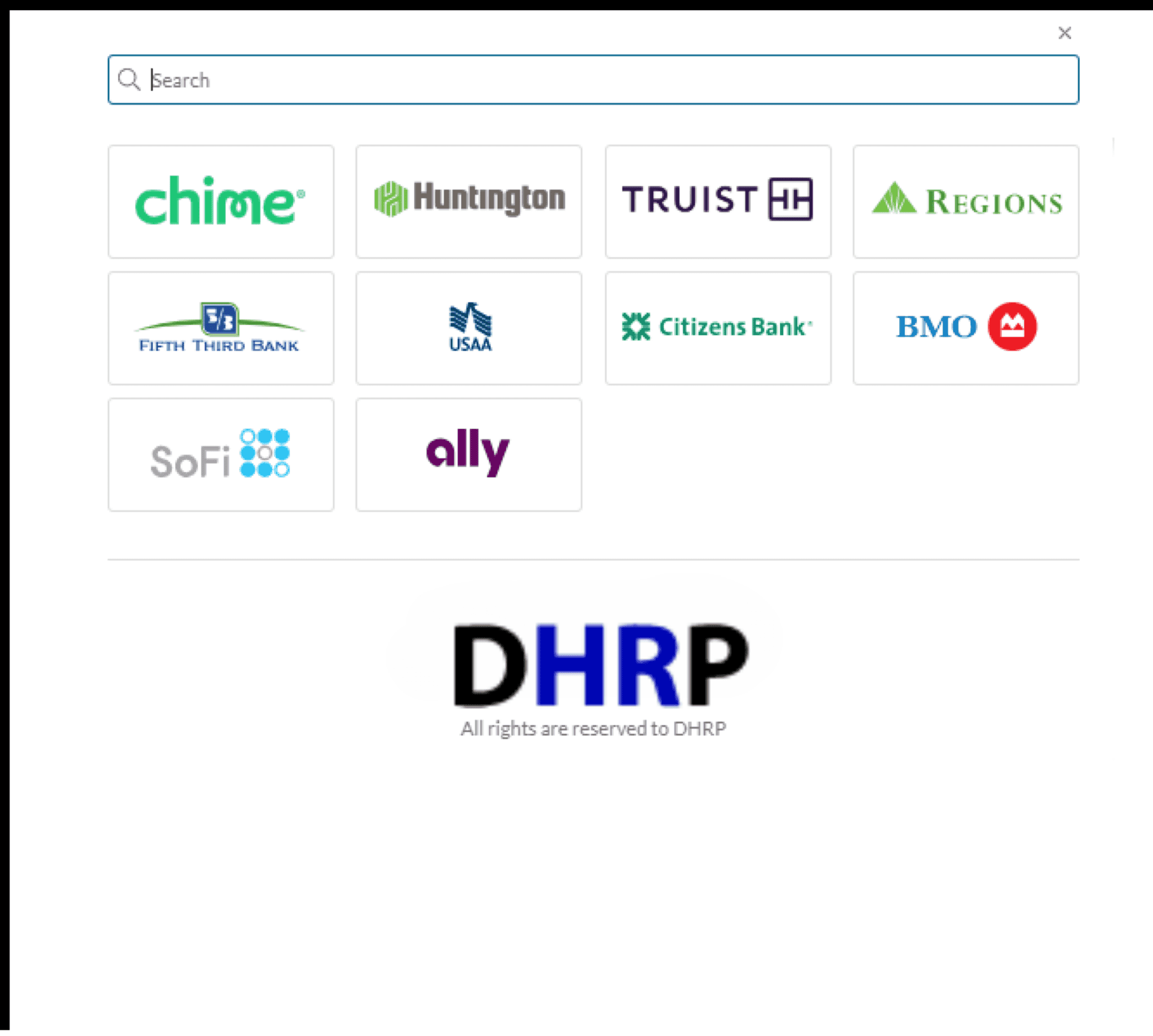
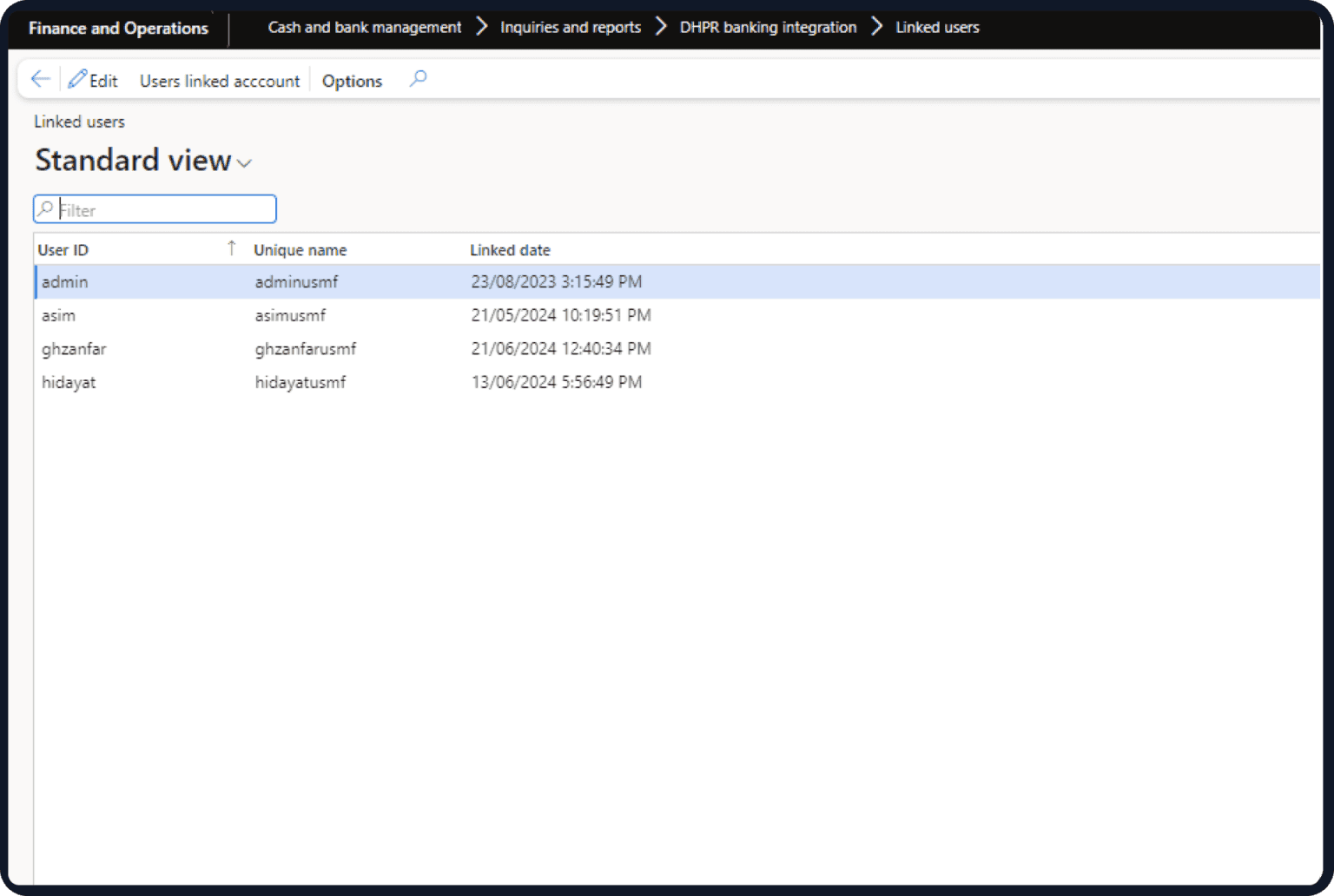
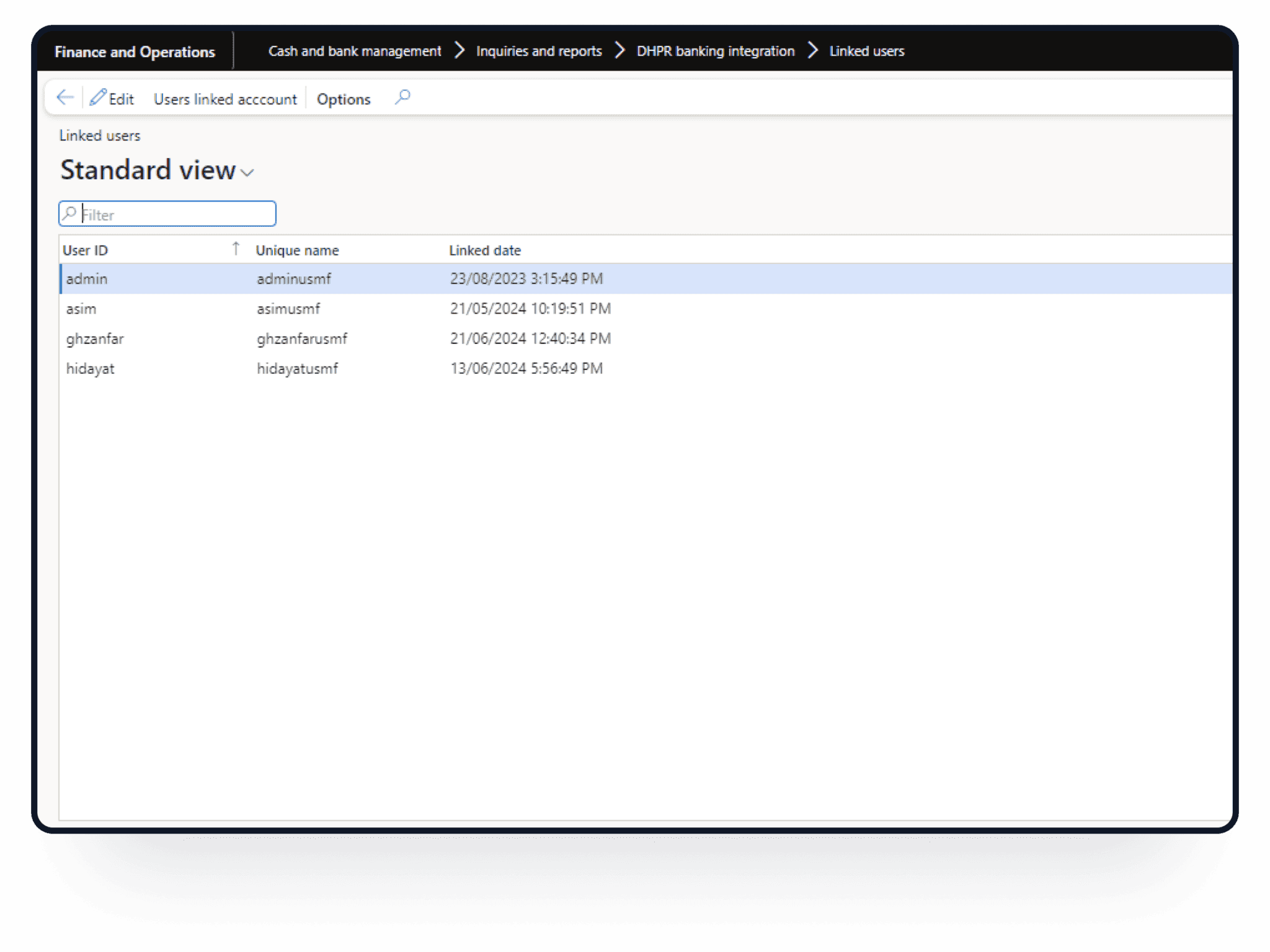
Start from the DHRP Banking Inquiry area in Cash and Bank Management. Users can select the Link Account option, choose their financial institution, enter the required credentials, select the relevant accounts, and complete the connection.
Let Scheduled Jobs Fetch Banking Activity
Once accounts are connected, automated batch jobs can retrieve bank feeds at defined intervals. This removes the need to repeat the same download process for every banking cycle.
Turn Banking Data Into Statements
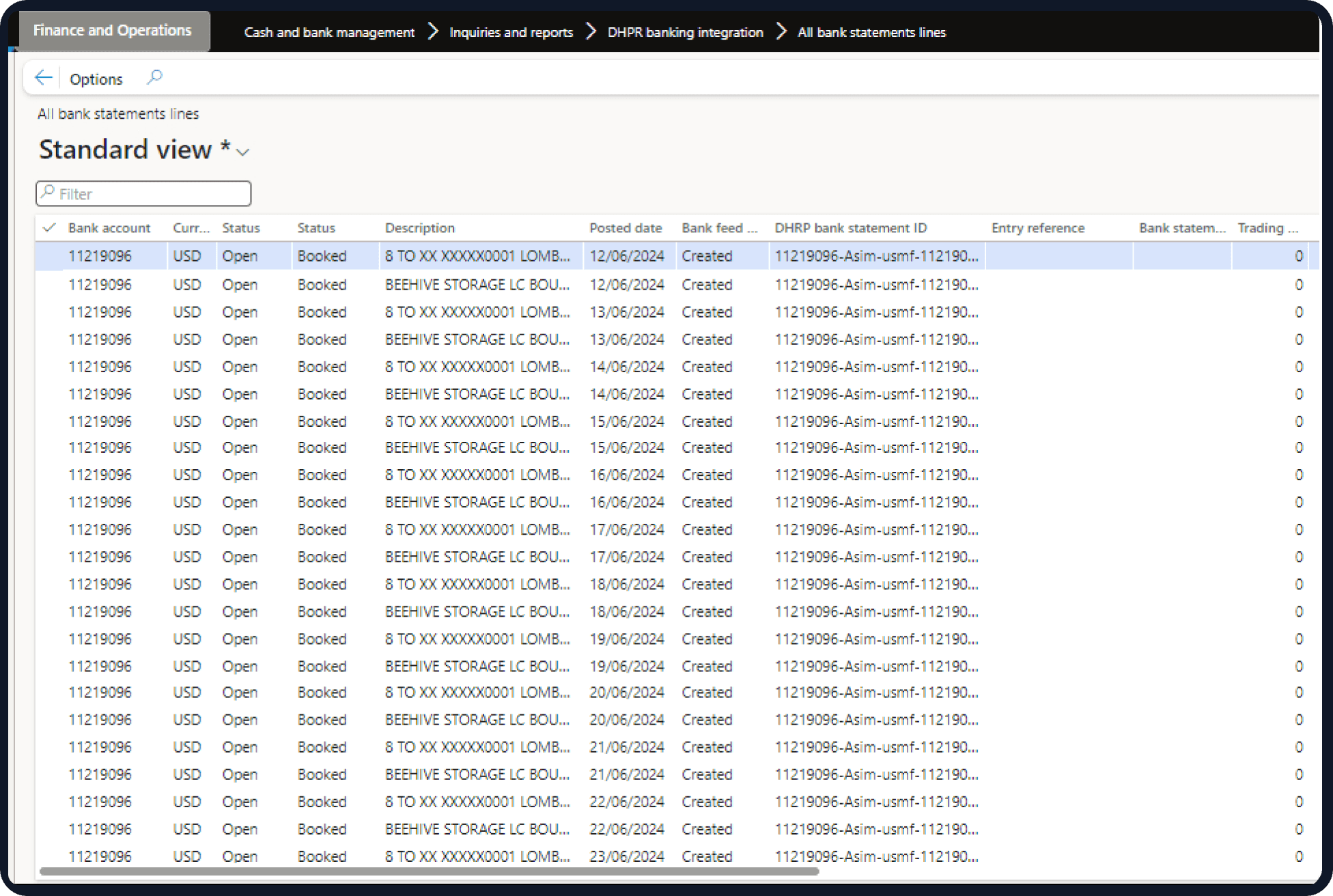
The connector creates bank statements from historical information and daily bank feeds, giving finance teams the statement data they need for reconciliation within Dynamics 365.
Reconcile Bank Activity in Dynamics 365
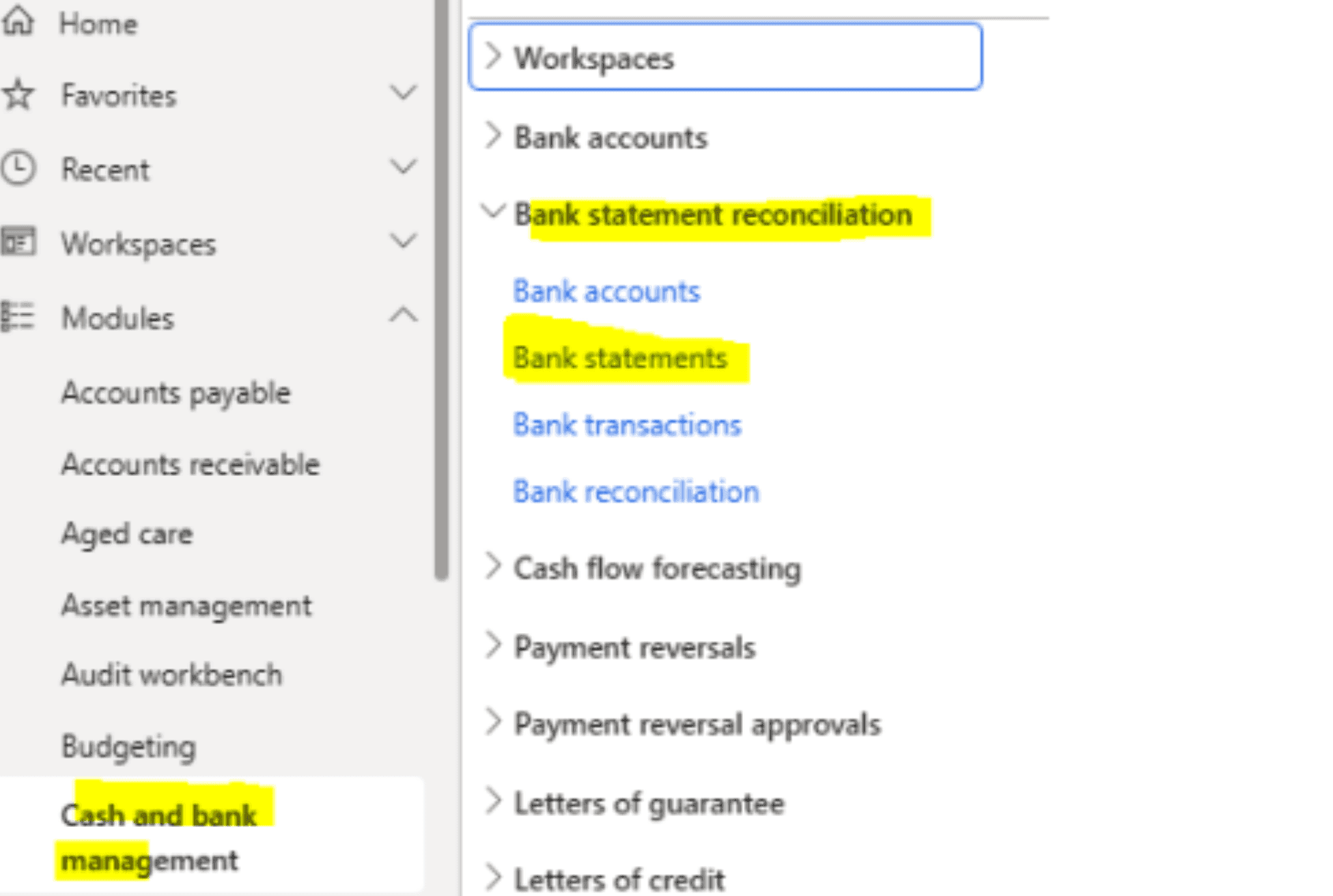
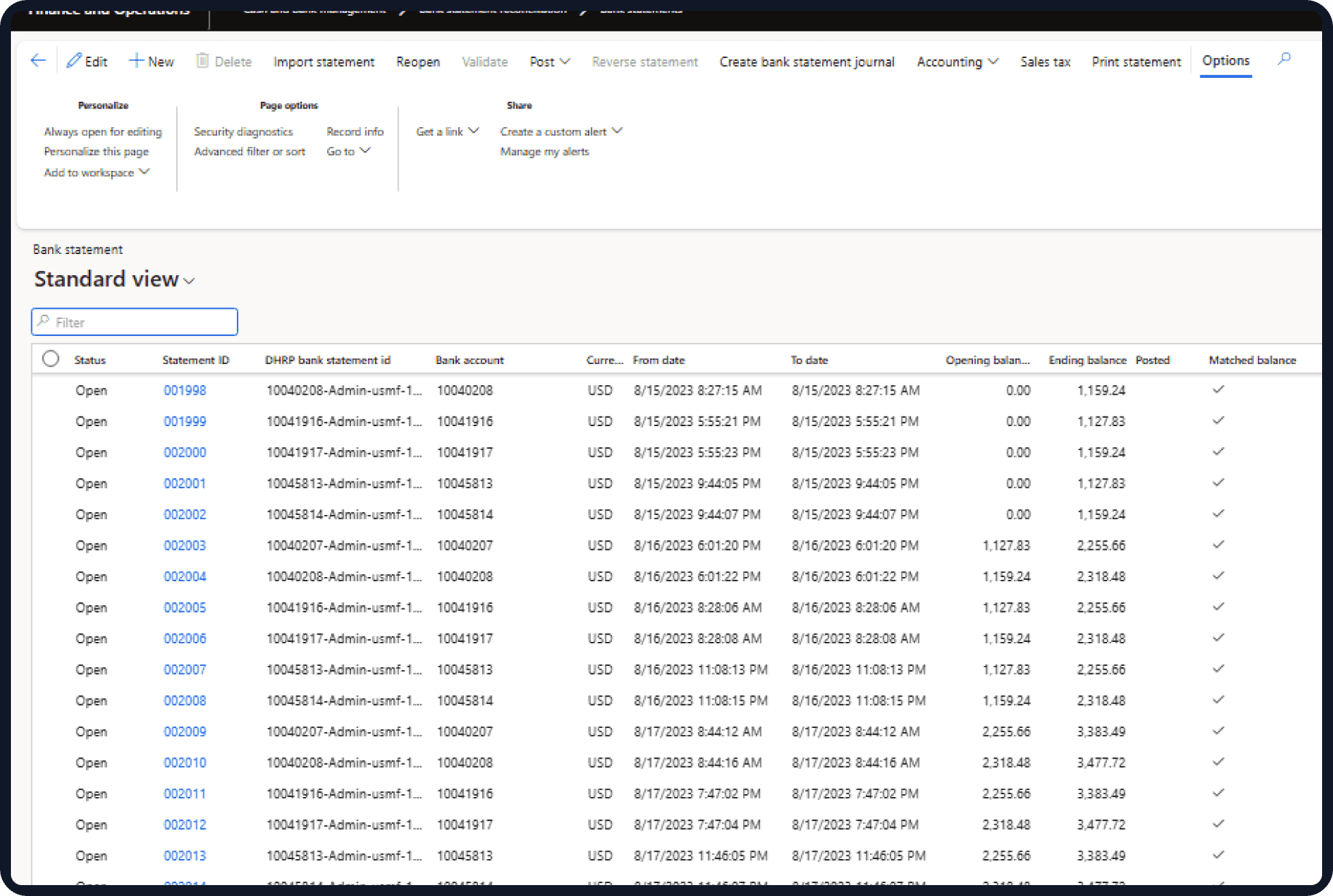
Bank statements are available through Cash and Bank Management → Bank Statement Reconciliation → Bank Statements, allowing finance users to work with reconciliation from within Dynamics 365 Finance.
Keep Payment Activity Within the Finance Environment
The integration also supports payment-related workflows, including sending payment remittances through Dynamics 365.
Work Across Multiple Banking Relationships
DHRP’s banking integration provides access to more than 32,000 banks worldwide, supporting businesses that maintain accounts across multiple financial institutions.
From Bank Feed to Reconciled Statement
Once a business bank account is linked, the process can move from retrieving banking activity to creating statements and making that information available for reconciliation in Dynamics 365 Finance.
Bank Account → Daily Feed → Bank Statement → Reconciliation → Finance Records
This gives finance teams a clearer path from banking activity to the financial records they manage inside Dynamics 365.
Less Time Managing Bank Data, More Time Managing Finance
Reduce Repeated Data Entry
Automated feeds reduce the need to repeatedly move banking information between online banking systems and Dynamics 365.
Keep Statements in the Finance System
Bank statements can be created from retrieved banking data and accessed through Dynamics 365 Finance.
Make Reconciliation Easier to Manage
Automated reconciliation tasks can reduce routine manual work and help finance users maintain accurate financial records.
Manage Banking Across Multiple Accounts
Businesses can connect supported accounts across a broad range of financial institutions rather than handling every account as a separate process.
Give Finance Teams Better Banking Visibility
Retrieved bank transaction information is available within Dynamics 365, giving users a more accessible view of banking activity.
The value of the Banking Connector is not just the bank connection itself. It reduces the repeated administrative work around retrieving, preparing, and reconciling banking information.
The Banking Connector is an integration between Dynamics 365 Finance and supported online bank accounts. It allows businesses to retrieve bank feeds, create bank statements, and work with reconciliation inside their Dynamics 365 environment.
Users can start from the DHRP Banking Inquiry area in Cash and Bank Management and select Link Account. They then choose their financial institution, provide the required credentials, select the relevant accounts, and confirm the connection.
Yes. The connector uses automated batch jobs to retrieve data from linked business accounts at scheduled intervals. One of the jobs is designed to fetch daily bank feeds from the previous day.
Yes. DHRP provides a separate automated process for creating bank statements using historical data and daily bank feeds after bank accounts have been connected. It can create single or multiple statements.
Bank statements can be accessed through Cash and Bank Management in Dynamics 365 Finance and used for bank statement reconciliation. DHRP also supports automation of routine reconciliation activities to reduce manual effort and the risk of errors.
DHRP’s banking integration supports connectivity with more than 32,000 banks worldwide, including banks in Australia and other international markets. This allows businesses with multiple banking relationships to connect supported accounts through the connector.
Yes. The Banking Connector supports both automatic synchronisation and manual data entry, allowing businesses to retain manual processes where required while automating routine banking activity.
Yes. The connector makes retrieved bank transaction information available within Dynamics 365 Finance, giving finance users access to banking activity without relying entirely on separate banking systems.
The existing DHRP product documentation confirms support for payment-related processes, including sending payment remittances through Dynamics 365. Specific ANZ payment-file capabilities such as ABA generation or EFT file generation should only be stated where the implementation supports them.
Get in Touch with us Today!
We'd love to hear from you. Please fill out this form.