Case Management
Create and manage customer cases, track case activities, and support the case resolution process from initial customer inquiry through to completion.

Fast, consistent, high-quality customer service with data-driven insights at a glance with Dynamics 365 customer service.
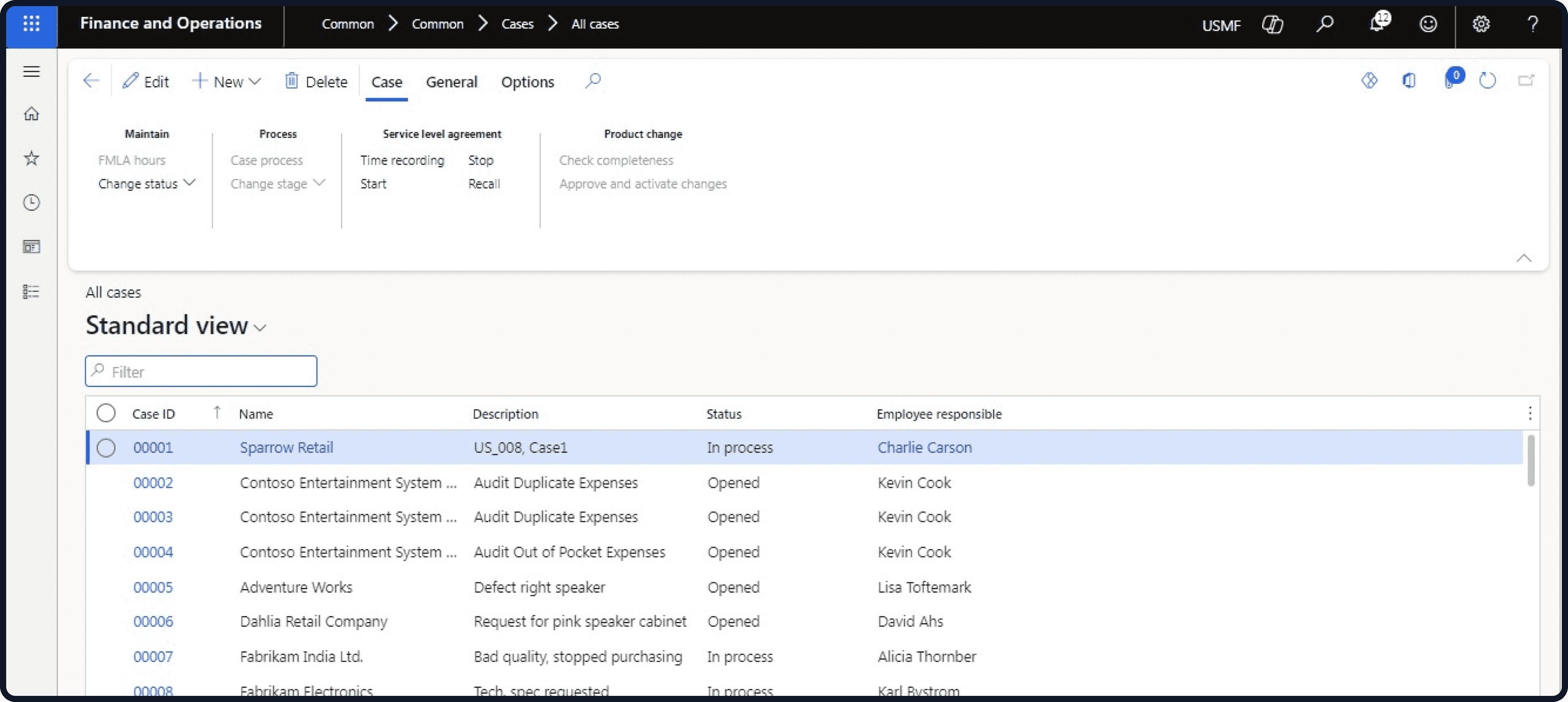






Microsoft Dynamics 365 Customer Service

Microsoft Dynamics 365 customer service is an application empowering agents to provide fast, appropriate, and knowledgeable customer service. It helps teams be consistent and accessible and ensures high-quality service. Its interactive dashboard ensures you have an easy way to track customer issues through cases and gather insightful data to make informed decisions in the future.
As one of the Microsoft applications, it integrates with all of the other Dynamics 365 apps and can be a stand-alone solution if needed. Its benefits go far beyond responding to queries; it offers a way to streamline every aspect of customer service.
Customers today have higher expectations for responsive and personalised service. The technology has made it easier for agents to deliver efficient, fast, and automated customer service, including integrated email communication in Dynamics 365. The challenges it helps you overcome are:

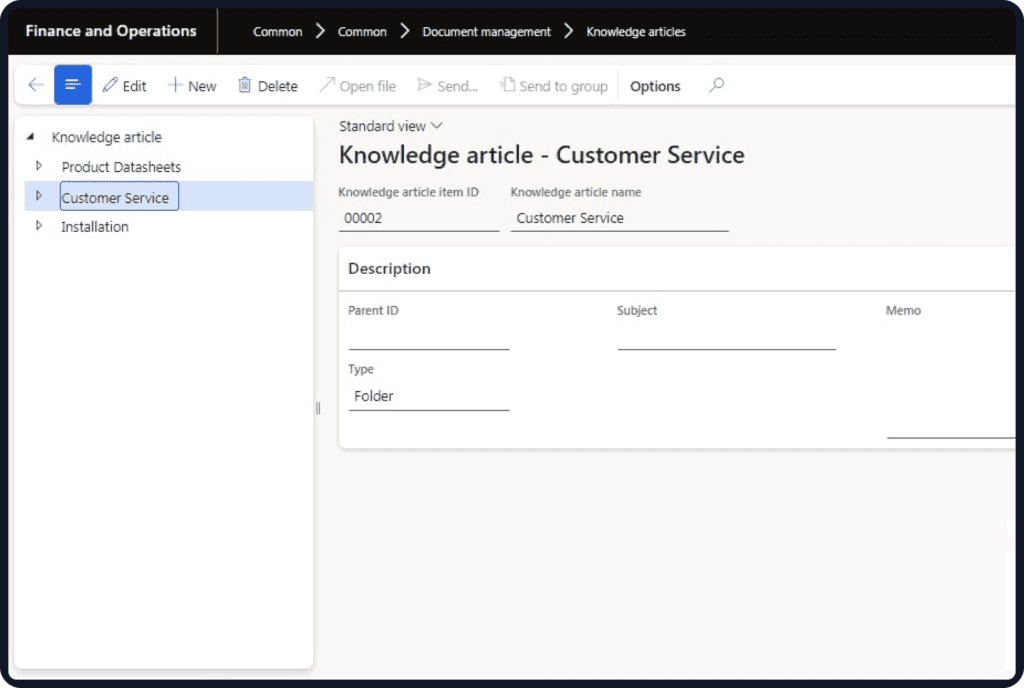
A successful Dynamics 365 Customer Service implementation needs to consider your existing customer service processes, case management requirements, customer information, and business systems.
DHRP can help businesses assess how Dynamics 365 Customer Service fits within their existing business environment and customer service requirements.
Dynamics 365 Customer Service can also integrate with other Microsoft and business applications, helping organisations connect customer service information and processes across their technology environment.
For businesses looking for a D365 Customer Service integration consultant, the focus should be on understanding existing systems and processes before determining how Customer Service should be configured and integrated.
Managing customer information, cases, and service activities across spreadsheets, emails, and disconnected systems can make it difficult for service teams to maintain visibility of customer issues and workloads. Dynamics 365 Customer Service Australia provides a connected environment for managing cases, customer information, knowledge, and service activities.
With D365 helpdesk and ticketing software capabilities, businesses can organise customer inquiries and cases while giving service representatives access to relevant information throughout the service process.
For organisations evaluating an enterprise contact centre with Dynamics 365, Customer Service provides customer service capabilities that can work with supported digital and voice channels, depending on the solution and licensing requirements.
Dynamics 365 Customer Service helps businesses manage customer cases, service interactions and workflows while giving agents access to the information they need to deliver efficient support.
Track customer inquiries, case details, service activities, and interactions in one place, helping service teams manage customer requests more efficiently.
Give agents access to relevant customer information, previous interactions, case history, and service details when handling customer requests.
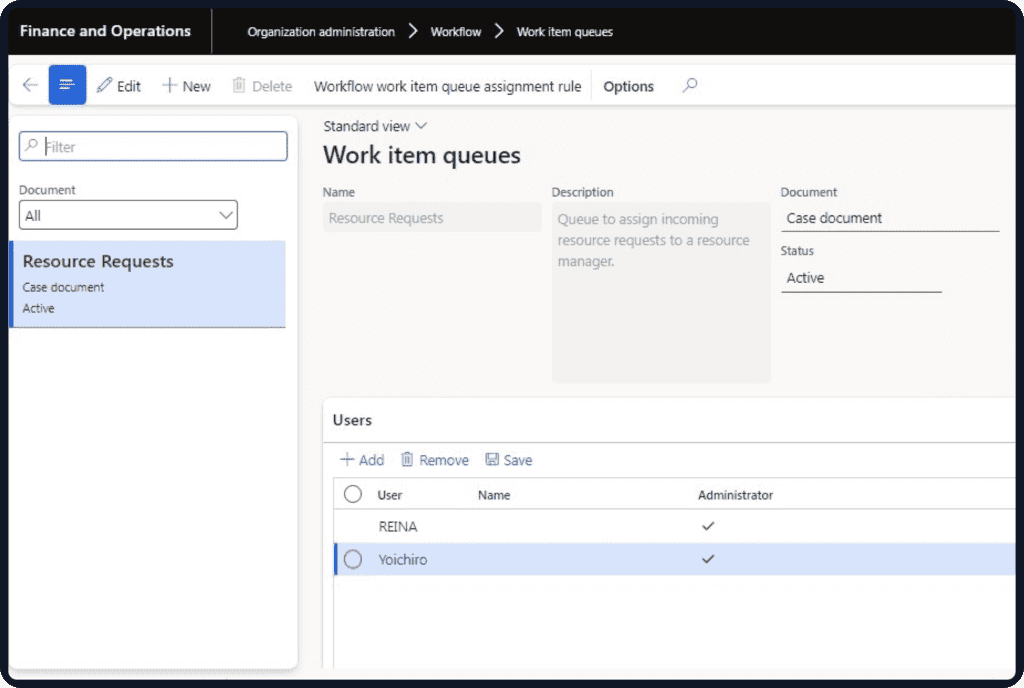
Automate and streamline customer service processes, including case routing, task assignment, notifications, and other service activities to help teams manage cases efficiently.
Monitor customer cases, workloads, service activity, and key performance information through interactive dashboards, helping managers maintain visibility across customer service operations.
Help agents access relevant customer information, knowledge, case details, and service tools from a connected workspace so they can manage customer requests more efficiently.
Track service-level agreements, monitor case response and resolution times, and help your team improve SLA compliance using Dynamics 365.
Use case information, knowledge resources, automation, and Copilot capabilities to help agents understand customer issues and work towards faster resolution.
Use customer service and case data to understand service activity, monitor performance, identify trends, and support more informed customer service decisions.
Microsoft Dynamics 365 Customer Service
Dynamics 365 Customer Service provides capabilities designed to help organisations manage customer cases, service interactions, knowledge and service operations.
Create and manage customer cases, track case activities, and support the case resolution process from initial customer inquiry through to completion.
Connect customer service interactions across supported channels, including digital messaging and voice capabilities, helping representatives manage customer conversations within their service workspace.
Search and use knowledge articles to help representatives find relevant information when handling customer issues. AI capabilities can also assist with knowledge-related tasks.
Use Copilot capabilities to help representatives diagnose problems, troubleshoot issues, summarise information, and draft customer responses.
Use service analytics, reports, and dashboards to understand cases, service activity, workloads, and performance.
Give representatives productivity tools, customer information, case details, and knowledge resources to help them manage service interactions efficiently.
Connect Customer Service with other Microsoft and business applications to support connected customer service processes and information.
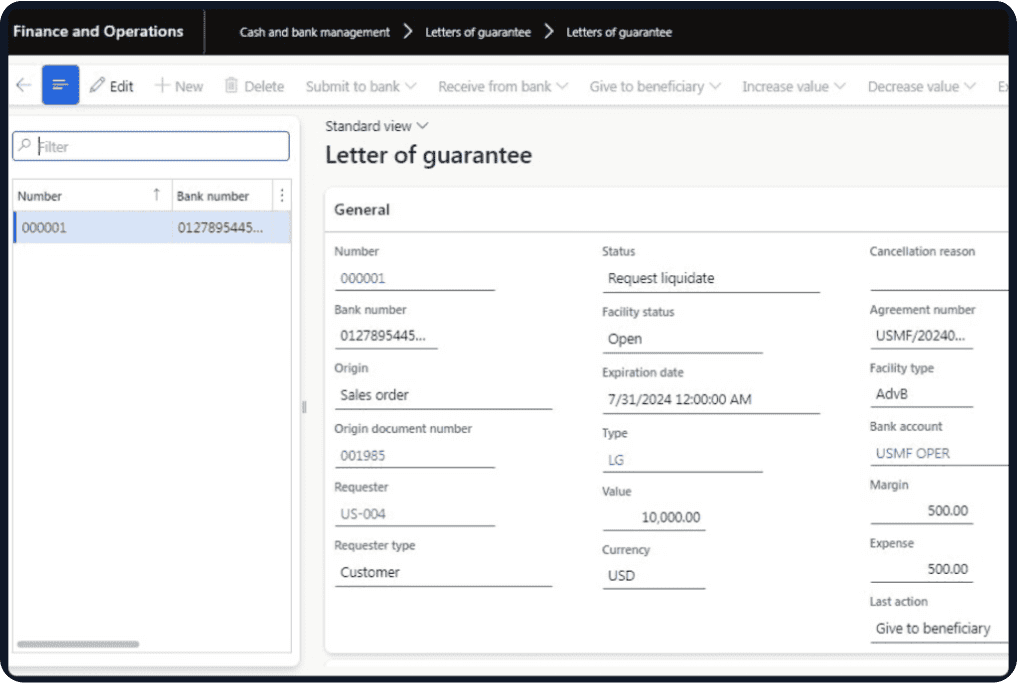
Dynamics 365 Customer Service provides a connected environment for managing customer cases, service information, knowledge and customer interactions.
Manage customer cases, activities, and service information together in one environment, giving service representatives better visibility throughout the case lifecycle.
Use workflows, automation, and AI capabilities to help reduce repetitive service activities and support more efficient case management.
Use Copilot and AI capabilities to help representatives access relevant information, summarise cases, troubleshoot issues, and draft customer responses.

DHRP combines Microsoft Dynamics 365 knowledge with an understanding of business processes and customer service requirements.
Our D365 Customer Service implementation consultants in Australia can help businesses understand how Dynamics 365 Customer Service can fit their existing service environment through:
Customer service requirements analysis
Dynamics 365 Customer Service implementation and configuration
Case management process assessment
Customer service solution planning
Integration with existing business systems
Customer service process optimisation
User training and adoption
Ongoing Dynamics 365 support
Faqs
Still have questions? Our team is happy to help.
Get in touchYou can configure and manage various Dynamics 365 Customer Service capabilities through the Customer Service admin centre, depending on the licensing and applications available in your environment. Customer Service applications can be accessed through a desktop browser, while supported Dynamics 365 mobile applications provide access to relevant customer service functionality. A DHRP consultant can also help businesses configure the solution around their customer service requirements.
Yes. Microsoft Dynamics 365 Customer Service can support organisations of different sizes, including small businesses. Its capabilities can be configured around the organisation's customer service processes, case management requirements, workflows, and support needs.
Dynamics 365 Customer Service includes AI-powered and analytics capabilities that can help service teams understand customer interactions, summarise cases, identify relevant information, improve workflows, and support more efficient customer service processes. The specific capabilities available depend on the Dynamics 365 Customer Service version, licensing, configuration, and Microsoft features available at the time.
We'd love to hear from you. Please fill out this form.